Merge drawing
Here, drawing behaves like wet paint, not stacked layers. Two shapes of the same color that touch merge into a single object. A shape of another color laid on top cuts the one beneath. It’s disorienting at first, and wonderfully handy once it clicks.
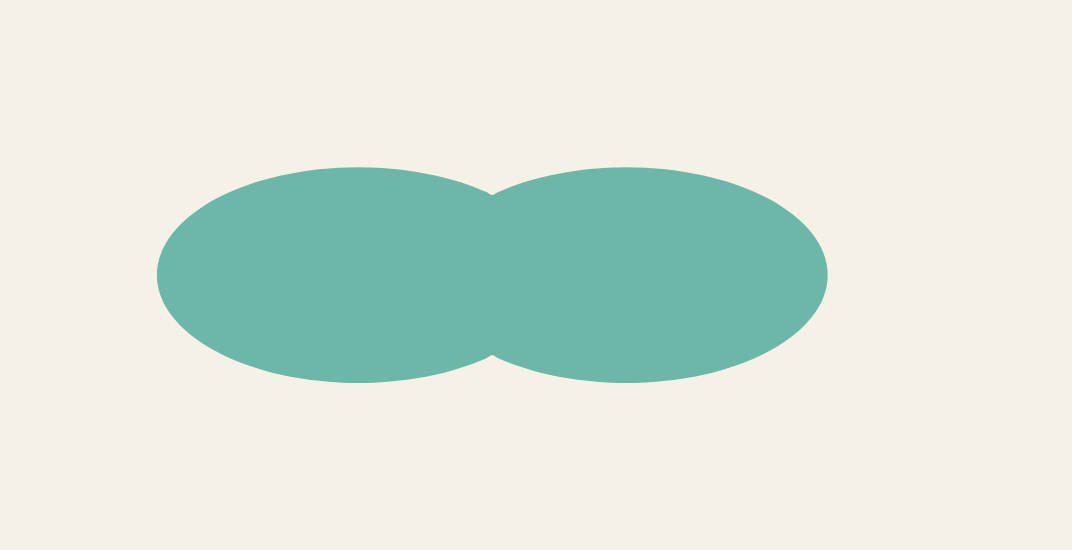
Same color: it merges
Draw a shape, then another one of the same color that touches it: they don’t stack, they weld together. The easiest way to prove it is to grab the selection tool and move the result. It all comes along as one piece.

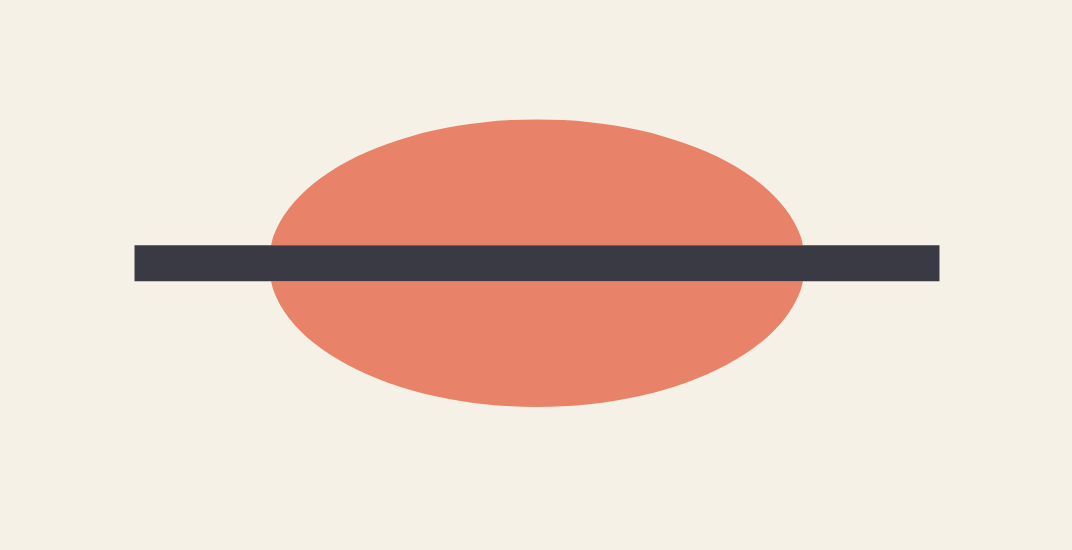
Different color: it cuts
Now lay a stroke of another color across a shape. Wherever it passes, it slices the material underneath. The proof: select a piece and pull it, it comes away cleanly.

In practice
This logic, inherited from old-school animation tools, comes up all the time:
- Sculpt a silhouette by welding same-color bumps onto it, instead of wrestling with anchor points.
- Slice a shape cleanly with a stroke, then delete the stroke and pull the pieces apart.
- Carve out an area by painting over it with the background color.
To keep a shape separate so it won’t merge, put it on another layer or group it: a group is isolated, it doesn’t blend with what’s around it.