Fill and stroke
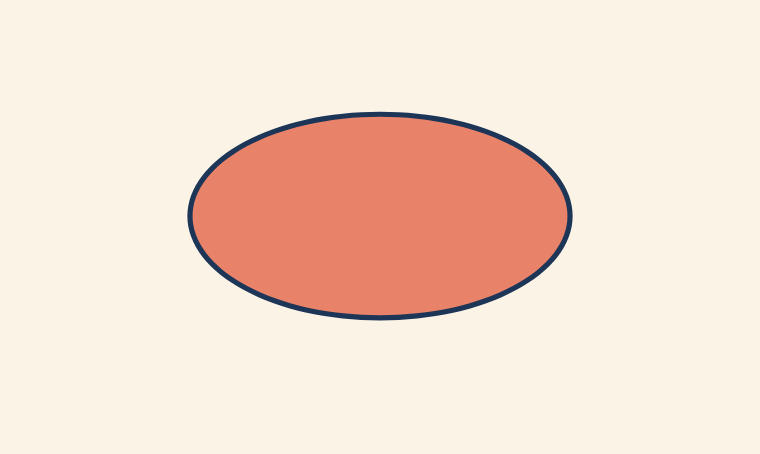
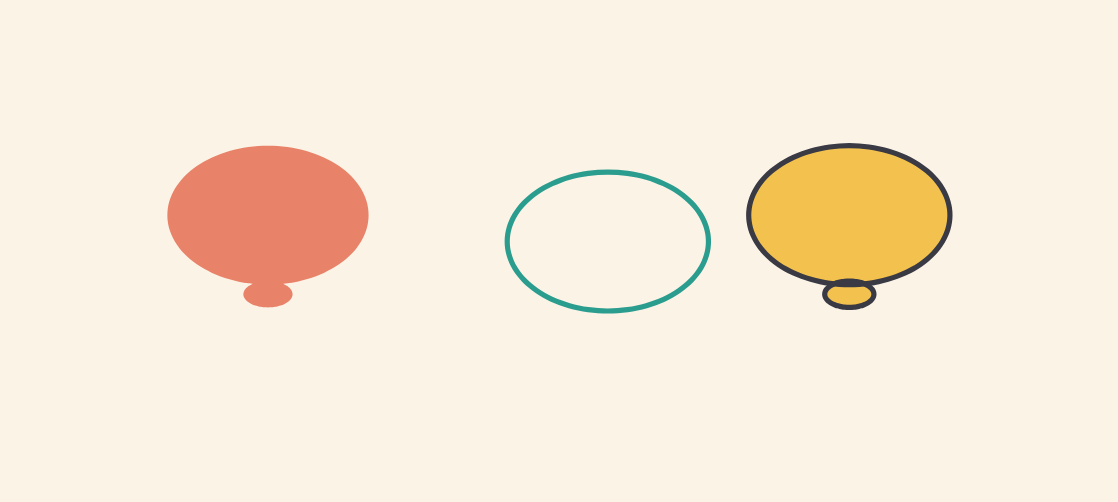
In FlatInk a shape doesn’t have one color. It has two independent paints: a fill (the inside) and a stroke (the outline). You can turn on one, the other, or both, and that little choice is the whole difference between a flat shape, a ring, and an outlined shape.
The two swatches
Top-left, two stacked swatches show the current state: the top one is the fill, the bottom one the stroke. A swatch crossed by a red line means “no paint”. Anything you draw next inherits these two settings.
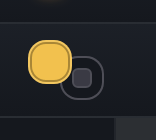
Fill only
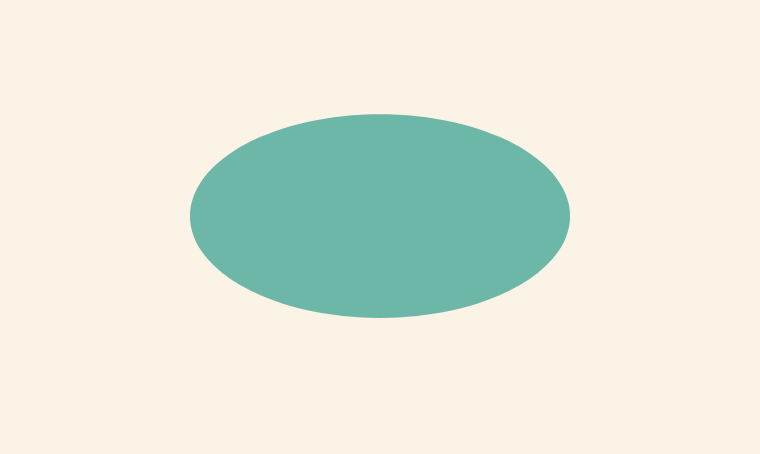
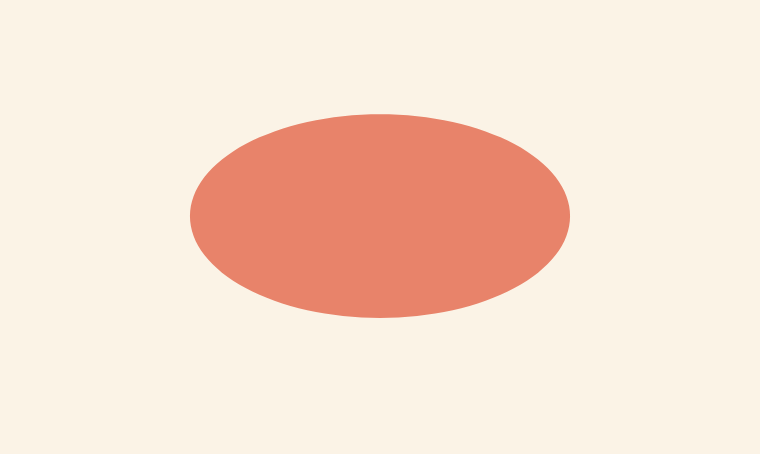
Keep a fill color, set the stroke to “none”: you get a flat shape, a solid patch of color with no edge. Great for silhouettes and backgrounds.
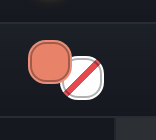
Stroke only
The opposite: fill set to “none”, a stroke color. The shape becomes a transparent ring, perfect for frames, speech bubbles, or letting what’s behind show through.
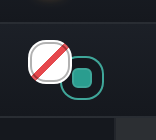
Your turn
Pick a fill and a stroke, then draw: the shape takes your settings the moment you trace it. Change the paints, draw again, and every combination gives a different look.
The paint bucket and the ink bottle
The two swatches set the paints for the next shapes you draw. To retouch a shape you’ve already drawn, two tools step in.

The paint bucket repaints the inside: pick a fill color, click the shape, and its solid color changes. The ink bottle adds or changes the outline: pick a stroke color, click the shape, and an outline wraps around it.